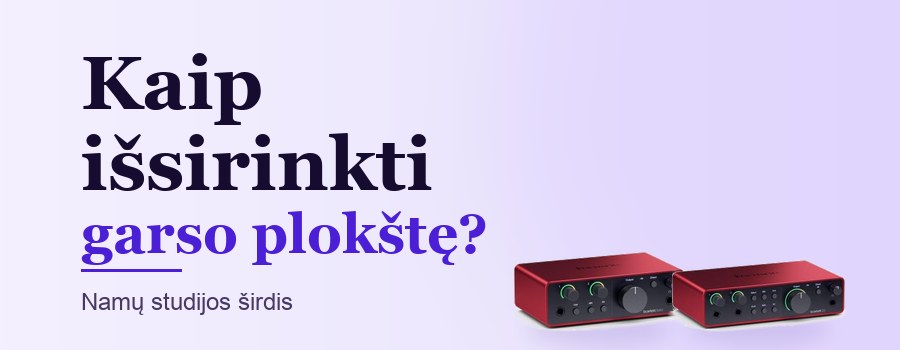
How to Choose an Audio Interface for Your Home Studio
3 min read
Vytautas Gaponovas
How to Choose an Audio Interface?
The audio interface is the heart of a home studio. It connects your microphone, guitar or keyboard to your computer and ensures high-quality recording and listening through studio monitors or headphones. Here's how to choose the right one.
Where to start?
Count how many sources you'll want to record at the same time. For vocals and guitar, 2 inputs are enough; for band or drum recordings you'll need 4–8 or more.
Quality mic preamps determine how clean your recording is and how much noise it has. Condenser microphones require +48 V phantom power – almost all modern audio interfaces have it.
Latency, drivers and quality
Latency is the time it takes for sound to pass through the computer. Low latency matters when recording and playing virtual instruments. Direct monitoring lets you hear yourself with no delay.
24-bit / 48 kHz quality is perfectly sufficient for most recordings. Stable drivers and easy controls matter more.
Studio bundles
For beginners, bundles with an audio interface, microphone, headphones and cable are convenient – all the parts are matched, and recording software is often included too.
For quality recordings – yes. A computer's mic input is noisy and has no phantom power, while an audio interface delivers a clean signal and low latency.
Can I plug a guitar into an audio interface?
Yes, into the instrument (Hi-Z) input. The guitar sound can then be shaped with amp simulation software.
What's the difference between a USB microphone and a microphone with an audio interface?
A USB microphone is simpler – great for podcasts and calls. An audio interface with an XLR microphone gives you more flexibility: you can swap microphones, plug in instruments and expand your studio.
Conclusion
For a beginner, a 2-input audio interface with a quality preamp, phantom power and a headphone output is usually enough. At the Muzi.lt shop we offer audio interfaces, microphones and studio bundles.
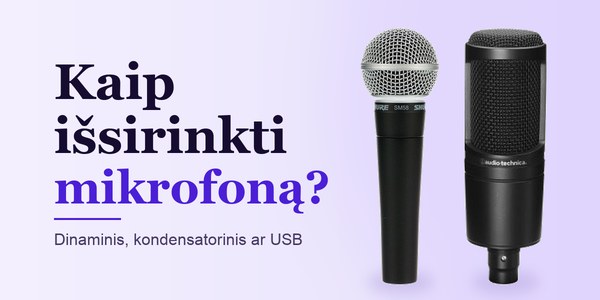
For the stage, the studio or a podcast? We explain the difference between dynamic, condenser and USB microphones, what polar patterns mean and what else you'll…